AUTOSS
TURN AI PROGRESS INTO EVERYDAY POSSIBILITY

What if your work
worked differently?

Reports, subtitles, first drafts and more. We turn your ideas and repetitive tasks into software built around your business. After launch, we evaluate new AI technology to improve accuracy, usability and cost.

Start with the task you want to change.Tell us what you need ↗
Illustrative desk scene with workflow notes and a laptop
Start with one workflowDiscuss and deliver onlineMaintain and improve
WHAT WE BUILD

Software shaped
around your work.

Start with one repetitive task, keeping the tools and files you already use where possible.

Illustrative possibilities. We assess feasibility and integrations after reviewing your requirements.

Website creation and ongoing management

From building a website to adding pages, updating copy and images, and configuring forms. Ongoing management is scoped around your needs.

POSSIBILITIES

See what could change.

Reviewing sales reports
01

From sales files to a finished report.

Reduce repeated copying and consolidation

Today’s manual work

Open each store’s spreadsheets, copy figures and look for mismatched totals.

With your software

Import files, consolidate by store and month, review discrepancies and export in your report format.

A workflow we can design

  1. Add sales files
  2. Automatically total by store and month
  3. Review the finished report
See inputs and feature details
INPUT
Store sales CSVs and your report template
OUTPUT
Consolidated totals, month-on-month comparisons and records to review

Adapt it to your businessReport fields / closing dates / store permissions / Excel and PDF formats

A shop employee clocking in
02

From attendance records to payroll calculations.

Reduce duplicate entry and missed checks

Today’s manual work

Add up hours from clock-in records and calculate pay using each person’s rate.

With your software

Import attendance, calculate hours and pay with approved rules, then review missing entries and approve.

A workflow we can design

  1. Import clock-in and attendance data
  2. Total hours and calculate pay using agreed rules
  3. Review and approve
See inputs and feature details
INPUT
Staff attendance records and approved pay rates and calculation rules
OUTPUT
Hours worked by each person, calculated pay and missing-record alerts

Adapt it to your businessRates and allowances / approved overtime rules / closing dates / payroll exports

Staff approve payroll and handle payment. Deduction and tax calculations are scoped in advance.

More: content, bookings, websites and subtitles

An interview with notes and a recorder
03

From interview notes to an article draft.

Reduce the effort of starting each article

Today’s manual work

Interview notes pile up because there is no time to write headlines and articles.

With your software

Turn notes into headlines and a first draft. Check facts and edit it into a publication-ready article.

A workflow we can design

  1. Add interview notes
  2. Generate headings and a first draft
  3. Review and publish
See inputs and feature details
INPUT
Authorized interview notes and editorial guidelines
OUTPUT
Headlines, article drafts and a fact-checking checklist

Adapt it to your businessTone / article length / excluded expressions / CMS draft integration

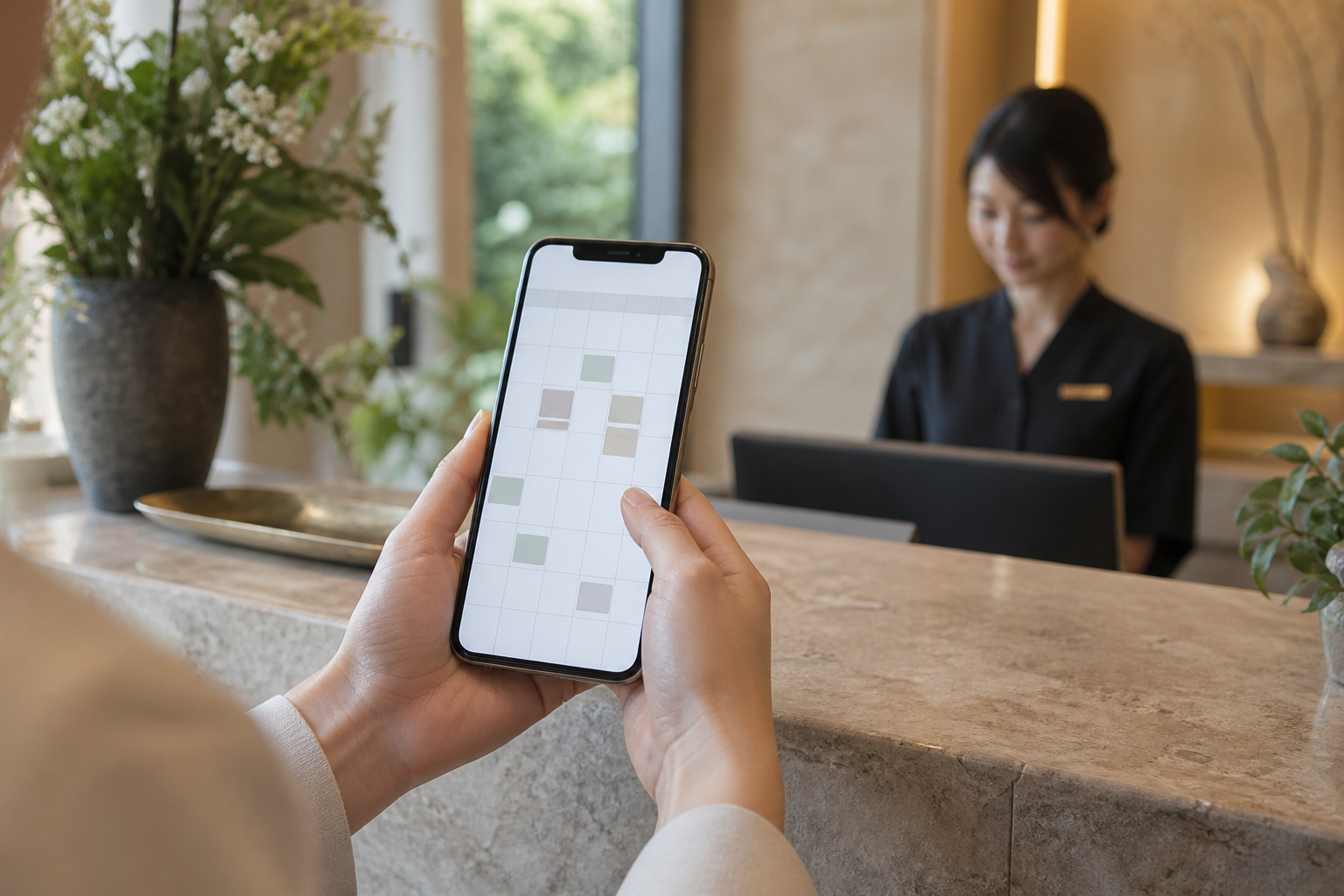
Choosing a salon appointment on a phone
04

Customer bookings, straight into your calendar.

Reduce manual scheduling and cross-checking

Today’s manual work

Copy bookings from calls and messages, checking staff and time slots every time.

With your software

Use customer input to check availability, update calendars and prepare booking confirmations.

A workflow we can design

  1. Customers choose service, time and staff
  2. Check availability and conflicts
  3. Update calendar and send confirmation
See inputs and feature details
INPUT
Service durations, staff schedules and customer booking details
OUTPUT
A calendar with customer names, staff and appointment times, plus confirmation emails

Adapt it to your businessPreferred staff or auto-assignment / duration / equipment / cancellation rules

If no staff preference is selected, assignment can follow availability. Email integrations and feasibility are agreed before development.

A designer working on a website
05

Build your website. Keep it up to date.

From a new site or redesign to ongoing updates.

Today’s manual work

The website is outdated. Every photo or opening-hours change needs a separate request.

With your software

Create a mobile-friendly website with a way to update news, images and services, plus scoped ongoing management.

  1. Share your goals and content
  2. Review the design and build
  3. Publish, update and improve
See inputs and feature details

Adapt it to your businessPage structure / booking and contact / languages / editing interface

Website files, an editing interface or instructions are delivered within the agreed scope. External integrations are assessed in advance.

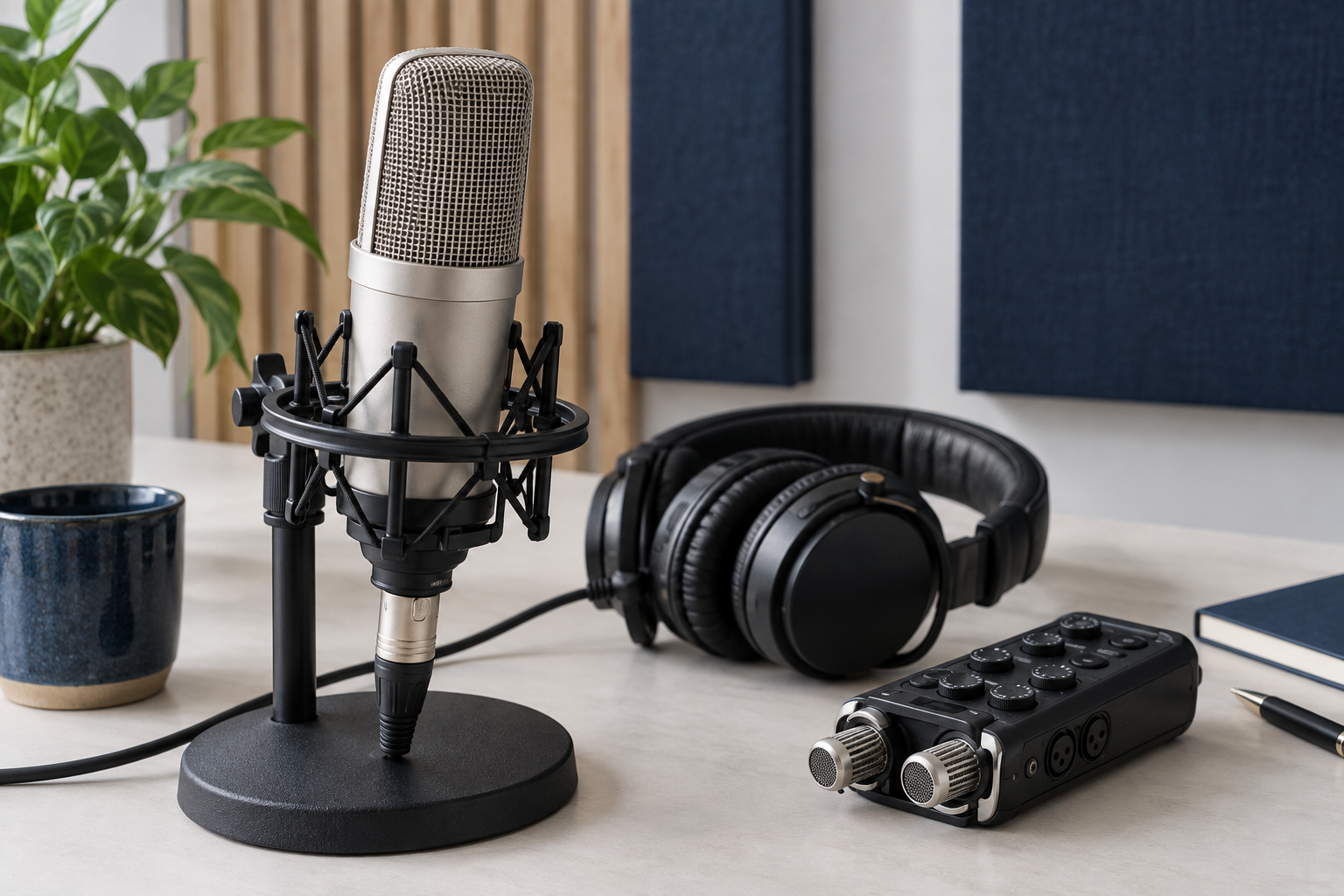
Microphone and headphones for audio transcription
06

From video to subtitles ready for review.

Reduce the correction and formatting after transcription.

Today’s manual work

Correct transcription errors, adjust line breaks and timing, then export captions.

With your software

Create subtitle drafts from video or audio, apply terminology and layout rules, review and export.

  1. Import video or audio
  2. Transcribe and format subtitles
  3. Review and export SRT or agreed formats
See inputs and feature details

Adapt it to your businessTerminology / characters per line / export formats / translation languages

The example can produce subtitle files and a review transcript. We assess recognition accuracy on samples for your language and audio quality.

A pet salon calendar is just one possible idea. We design around your workflow, across industries.

Time and cost

Less routine work.
More time to move forward.

Start with a focused pilot. We measure the whole task, including review and corrections, to help you decide whether automation is worth it.

Put the costs beside the benefits.

Compare development, monthly support and AI usage fees together.

See pricing and value ↗
Illustrative time comparison

Monthly reporting and consolidation

Current workflow

40 hours / month

With automation

10 hours / month

Time freed each month

30 hours

Over a year

360 hours

Illustration: a task reduced from 40 to 10 hours a month. This is not a measured client result or a guarantee. Time saved does not necessarily reduce payroll or other spending.

  1. 01

    Tell us what you need.

    Describe your idea or a repetitive task. The AUTOSS team will review it and reply with feasibility questions or next steps.

  2. 02

    Agree a focused pilot and quote.

    We agree the scope and price before a paid pilot. With authorized samples, we assess accuracy and time saved, then quote the full implementation.

  3. 03

    Build, review and deliver.

    We agree acceptance criteria, explain how to use the software and identify where human review remains necessary. Delivery is handled online.

  4. 04

    Keep it useful as work changes.

    Monthly support covers agreed maintenance and small improvements. New AI models are evaluated for accuracy, speed and cost, and adopted where beneficial with your agreement.

BUILD. USE. IMPROVE.

Keep improving.
Long after launch.

Real use reveals new needs. Monthly support gives you an agreed way to address changing workflows and evaluate new AI capabilities.

Discuss ongoing support ↗
  1. MaintainAddress faults and format changes within the agreed scope.
  2. RefineMake scoped improvements based on how the software is used.
  3. Evaluate AICompare accuracy, speed and cost before considering a model change.

Support volume and response arrangements are agreed in advance. Major additions and extra usage costs are quoted separately.

A clear build cost.
A separate support scope.

Paid pilotA focused feasibility testTest one part of your workflow using agreed samples.
ImplementationQuoted for your requirementsScope, integrations and deliverables are agreed around your priorities and budget.
Monthly supportDefined work and response arrangementsMaintenance, format changes and scoped improvements. Major new features are quoted separately.

AI usage, hosting costs, payment currency and payment terms are agreed before a contract. An inquiry does not create an order or charge.

How do I pay for development and monthly support?

We provide a separate card payment link for development, based on the amount and schedule agreed in your quote. Monthly support uses recurring card payments through Stripe, after the scope and start date have been agreed. Sending an inquiry does not start billing.

Can I change or cancel monthly support?

We confirm the monthly price, scope, renewal date and cancellation deadline in writing before you sign up. Additional features and price changes require a separate quote and your agreement. Contact your AUTOSS representative to discuss changes or cancellation.

Where will our business data be processed?

Before work starts, we agree which AI services are used, what is sent externally and how retention and deletion are handled. Start with a non-confidential description; sample-sharing arrangements are agreed separately.

What will we receive?

The software, operating instructions, acceptance criteria and support scope are defined in the quote. Source-code delivery, rights and operating requirements are also agreed before a contract.

A few things you might be wondering.

Can I get in touch without a specification?

Yes. Tell us about the repetitive task, your current tools and the result you need. We will reply with feasibility questions and next steps.

Can we keep our current spreadsheets and software?

We first check file formats and integration options. We prioritize working with your existing setup and explain any limitations or additional costs before proceeding.

What if the AI makes a mistake?

We design review steps and input checks around the task. Payroll, accounting and public articles require responsible staff to approve the result. A pilot measures accuracy and the effort needed to review it.

Can the software change after delivery?

Monthly support covers agreed maintenance and small improvements. New features and substantial changes are quoted separately.

Does an inquiry cost anything?

An inquiry does not create a charge. Paid pilots and implementation start only after scope and price are agreed in writing.


Talk to an AI professional.
Start with your idea.

Have a software idea, or wondering where AI could help? You don’t need a finished brief. A person at AUTOSS will read your message and reply to your specific needs.

aouto6.workgaku@gmail.com

Your initial consultation is free. Send your inquiry using the form below.

You may see a verification step when sending. FormSubmit processes your entries and delivers them to AUTOSS for responding and arranging services. It retains submissions for up to 30 days. Do not include passwords, customer lists or confidential files. FormSubmit Privacy

Before we begin

We welcome inquiries about custom software. AI use and data handling are agreed before work starts. Scope, timing, pricing, support and cancellation terms are provided in writing.

Business and privacy

AUTOSS
Inquiry information is used to respond and arrange services. Contact us at the email above for deletion requests. We have not added advertising trackers or analytics. Hosting and email providers may process technical information and messages to provide their services.

We use FormSubmit to deliver form submissions. It retains submissions for up to 30 days. Inquiry information is used to respond and arrange services.